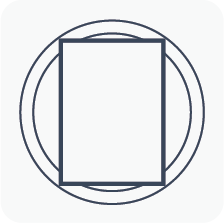
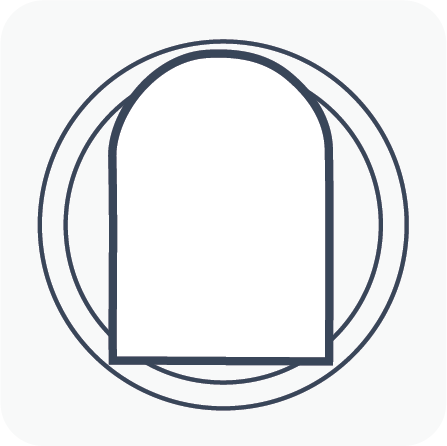
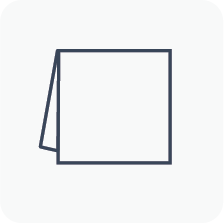
STEP 1: MENU CARD STYLE
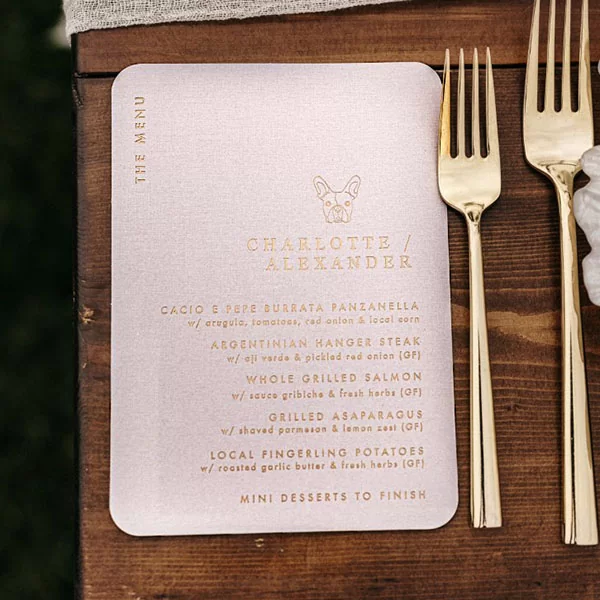
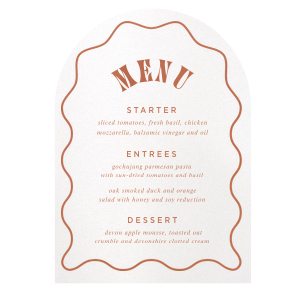
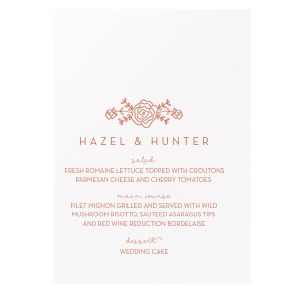
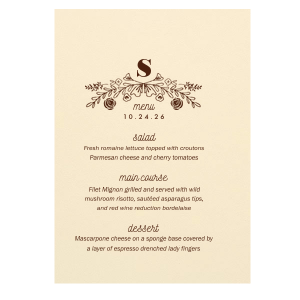
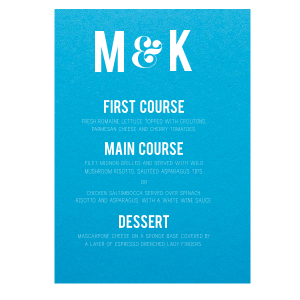
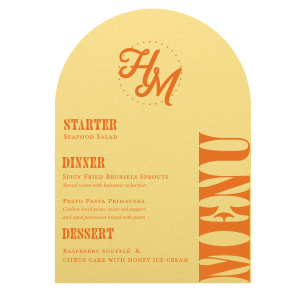
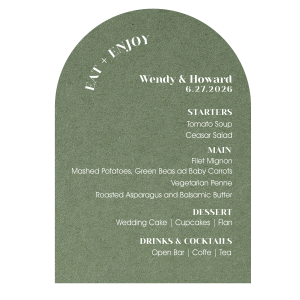
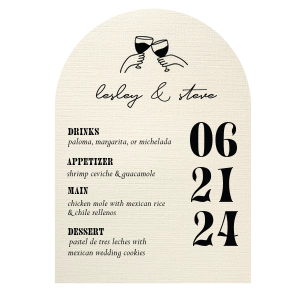
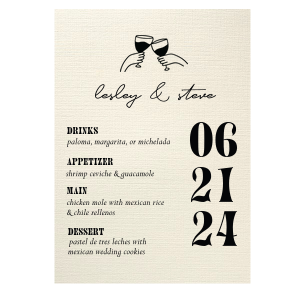
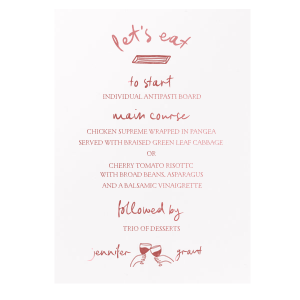
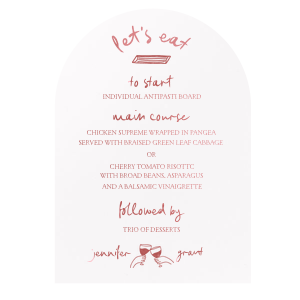
Design your own personalized menu cards.
STEP 2: PAPER COLOR
Here you select the paper color for your Menu Card. All our menu cards are made from any of our 80+ paper colors. Please [ CLICK HERE ] to view paper descriptions and for more information about our papers.
STEP 2b: TOP LAYER PAPER COLOR
Select the paper color for the top layer of your menu card. All our menu cards are made from any of our 80+ paper colors. Please [ CLICK HERE ] to view paper descriptions and for more information about our papers.
STEP 3: DESIGN
You have the option of adding a foil design or a foil monogram to the top your Menu Card. If you would like to add a design choose it here, or click NEXT STEP to skip the design.
STEP 4: FOIL COLOR
Please select the foil color for the design or your monogram on your Menu Card, or click NEXT STEP to skip this step if you will not use a design or monogram.
STEP 5: FONT COLOR
Please select the font color for the text of your Menu Card
STEP 6: CONTENT
Here is where you need to enter the text and fonts you want to use on your Menu Cards. Click NEXT STEP when you are finished.
STEP 7: REVIEW & CHECK OUT
Here you can change and play with your initial design until you get it perfect!
When you are done, simply add to your shopping cart and continue shopping!
All personalized product will be professionally typeset for you. The image you see is a visual representation but text should be readable in the preview. Spacing and other minor adjustments will be made to ensure the product is beautiful. Colors are matched as close as possible to the source but can vary computer to computer. See our FAQ's for more information.
DESIGN YOUR MENU CARD
Menu Card
Ivory
Thermograghy-Black

CLICK HERE FOR LARGER IMAGE
STEP 1: PICK YOUR CARD STYLE
 NEXT STEP»
Menu Card Layered Menu Card
grey barLOOKING FOR
PRICES & INFO?
[ CLICK HERE ]
STEP 2: PICK YOUR PAPER COLOR
STEP 2b: PICK LAYER 2 PAPER COLOR
STEP 5: PICK YOUR FONT COLOR
STEP 4: PICK YOUR FOIL COLOR
STEP 6: ENTER YOUR TEXT
Choose content type

Fill in lines of text (if any) and choose a corresponding font and font size for each line.

STEP 3: PICK YOUR DESIGN
STEP : PICK YOUR LAYOUT
STEP 7: REVIEW & CHECK OUT
«BACK STEP

Click on any of the step numbers above the preview window to go back and make changes to your design. When you have it perfected, click "add to cart" button below!

Gift Box $3.00 (Holds 100 cocktail napkins or 50 guest towels. Enter text for hand-written note in comments box).

Comments/Special Instructions:

start over add to cart

All personalized product will be professionally typeset for you. The image you see is a visual representation but text should be readable in the preview. Colors are matched as close as possible to the source but can vary computer to computer. Click on LARGER IMAGE to see greater detail.


PRICES &    INFO